Oops! Something went wrong while submitting the form.
No credit card required
Automating Abstract API Integration using Cursor Composer & Windsurf 🚀
The days of staring at a blank services.py file, toggling between browser tabs, and manually copying JSON structures from documentation are officially over. We've entered the era of "Tab-Tab-Ship." 🚢
This shift is especially visible in Cursor IDE API integration workflows, where developers now rely on an AI coding agent to automate repetitive setup. Instead of manually wiring HTTP clients, parsing responses, and handling edge cases, modern AI-native developers prompt their editor to generate production-ready integrations. In this tutorial, we'll automate API boilerplate using Abstract API as a real-world example, because its clean endpoints and predictable responses make it ideal for AI-assisted development.
As developers, our value has shifted from how fast we can type import requests to how effectively we can orchestrate AI agents to handle the "plumbing" of our applications. If you are still manually writing boilerplate for API integrations, you're leaving hours of deep-work time on the table.
In this guide, we'll show you how to leverage the two leaders of the AI IDE revolution—Cursor and Windsurf—to integrate Abstract API's robust suite of tools into your codebase in under 60 seconds.
Why Abstract API Works So Well with AI IDEs 🤝
Not all APIs are equally friendly to AI-driven workflows. Abstract API stands out because its documentation is concise, consistent, and designed around predictable response schemas. That matters when you're delegating work to an AI agent.
When you ask Cursor Composer or Windsurf Cascade to integrate an API, the model relies heavily on:
Stable endpoint URLs
Clearly named response fields
Sensible error semantics
Abstract API checks all three boxes. Whether you're validating emails, blocking VoIP numbers, or enriching IP data, the responses are structured in a way that AI models can reason about reliably — especially when you provide the official docs as context.
Setting the Stage: The Prerequisites 🛠️
Before we let the AI loose, we need two things:
Your Credentials: Head over to the Abstract API Dashboard and grab your API key for the service you're using (Email Verification, Phone Validation, etc.).
The Golden Rule of AI Safety: Never paste your raw API key into the AI chat. 🛑 Even with "secure" models, it's a bad habit. Instead, tell your IDE: "Use os.getenv (Python) or process.env (Node) to pull the Abstract API key from my .env file."
Track A: The "Cursor Composer" Workflow (Power User) 🎹
Cursor has taken the dev world by storm, largely thanks to Composer (Cmd+I / Ctrl+I). Unlike a standard chatbot, Composer is a multi-file architect. It doesn't just suggest code; it performs surgical edits across your entire project.
The "Context" Trick: Using @Docs 🧠
This is the "Aha!" moment for Cursor power users. AI models can hallucinate API endpoints or use outdated library versions. To prevent this, we provide Cursor with the "source of truth."
Open Cursor Composer (Cmd+I).
Type @Docs and select "Add new doc".
Paste the Abstract API documentation URL (e.g., https://docs.abstractapi.com/email-verification).
Cursor will now index the official docs, ensuring it knows the exact keys, headers, and rate limits.
The Prompt
Once Cursor has the context, hit it with a high-intent prompt:
"Using the @AbstractAPI docs, create a reusable Python service in src/services/email_validator.py that validates an email. It should accept an email string, check the is_valid_format and deliverability fields, and return a boolean. Use os.getenv for the key. Ensure you include type hinting and basic error handling."
The Result
Cursor won't just give you a snippet; it will create the file and write production-ready code:
Alternative approach: If you prefer fewer dependencies and cleaner abstractions, you can also prompt Cursor to install and use the official Abstract API Python SDK instead of raw requests.
For example:"Install and use the abstract-api Python library to perform email validation, following the same logic."
Composer will handle the install, imports, and usage automatically — the same workflow, just a different implementation style.
Track B: The "Windsurf Cascade" Workflow (Flow State) 🌊
While Cursor is about surgical precision, Windsurf (by Codeium) is about Flow. Its agent, Cascade, is designed to have "Deep Context" of your entire workspace without you needing to explicitly @-mention every file.
The "Flow" Prompt
Windsurf behaves like a senior pair programmer who has been reading your code over your shoulder. If you have an existing signup form, Cascade already knows its structure.
The Prompt:
"I need to block VoIP numbers on my signup form to prevent bot accounts. Create a function using the Abstract Phone Validation API. Look at my existing SignupForm.tsx and integrate the check there so the 'Submit' button is disabled if the phone is a VoIP number."
The "MCP" Edge 🔌
Windsurf is a pioneer in the Model Context Protocol (MCP). This allows the IDE to connect to external tools and live data sources. While Abstract API is currently consumed through documentation, Windsurf's support for MCP opens an interesting door. In a future scenario, Cascade could validate your API key, fetch the latest schema changes, or adapt to new rate-limit rules automatically — without you updating a single prompt. Until then, providing high-quality docs (like Abstract's) already delivers most of the benefit.
Quality Control: Validating the AI's Work 🔍
Even though AI agents are incredibly capable, a Senior Developer always "trusts but verifies." When the AI generates your Abstract API integration, check these three things:
Endpoint Versioning: Ensure the AI didn't hallucinate a v2 if the docs specify v1.
Response Parsing: Abstract API often returns nested objects (e.g., data.vat_number). Double-check that the AI is accessing the correct key.
Error States: Did the AI handle a 401 Unauthorized (bad key) or a 429 Too Many Requests (rate limit)? If not, prompt it: "Add a specific exception handler for rate limits."
This final verification step is especially important when working with validation APIs like Abstract's, where a single misread field (for example, response.data.valid vs response.valid) can quietly undermine your signup or fraud-prevention logic.
Conclusion: Stop Typing, Start Orchestrating 🚀
We are moving away from a world where "coding" is the bottleneck. By combining the high-quality, developer-friendly endpoints of Abstract API with the agentic power of Cursor or Windsurf, you can move from idea to deployment at the speed of thought.
You just saved two hours of reading documentation and debugging boilerplate. What will you build with that extra time?
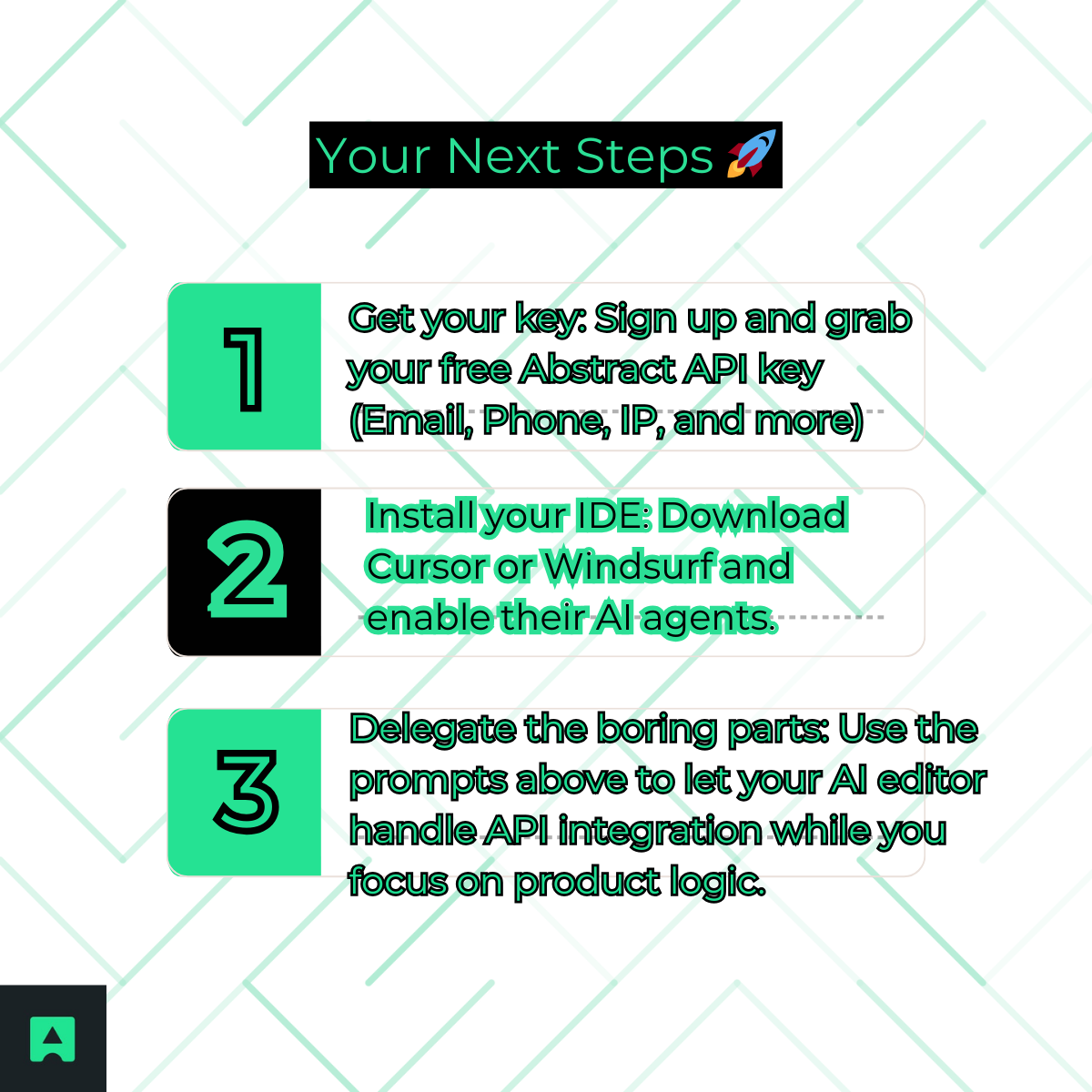
Your Next Steps 🚀
The tools are ready. The APIs are clean. The only thing left is to stop typing boilerplate and start orchestrating.
What is Cursor IDE API integration and what does it automate?
Cursor IDE uses AI agents to generate API integration boilerplate automatically: HTTP clients, response parsing, and error handling, so developers skip the manual plumbing. Using the Composer feature with @Docs context, you can point Cursor at an API's official documentation and get production-ready integration code in seconds.
How does Cursor Composer compare to Windsurf Cascade for API integrations?
Cursor Composer excels at surgical, high-intent changes across multiple files and works best when you supply explicit documentation context. Windsurf Cascade emphasizes a "flow state" approach that uses deep awareness of your existing codebase. Both can generate Abstract integrations, but the right choice depends on whether you prefer explicit prompting (Cursor) or letting the agent infer context from your project (Windsurf).
How should I handle API keys when using AI agents to write integration code?
Never paste raw API keys into an AI chat. Instead, instruct the agent to read credentials from environment variables using os.getenv() in Python or process.env in Node.js. This keeps secrets out of your codebase and out of the model's context window, reducing the risk of accidental exposure.
Can I trust AI-generated API integration code without reviewing it?
No. Verification is essential even when the output looks correct. Check that the generated code targets the right endpoint version, parses the response fields you actually need, and handles edge cases like rate limit errors and authorization failures. Abstract's consistent response schemas reduce the chance of AI hallucination, but a quick review is still good practice.
Why is Abstract well-suited for AI-assisted code generation?
Abstract uses consistent, predictable response schemas across its suite of services: Email Validation, Phone Validation, IP Geolocation, and others. This consistency means AI agents are less likely to hallucinate field names or misread response structures compared to less-standardized APIs. Official SDKs for Python and other languages also give the agent accurate, up-to-date reference material.
What role does Model Context Protocol (MCP) play in Cursor API workflows?
Model Context Protocol (MCP) allows AI agents inside Cursor to connect with external tools and data sources in a standardized way, extending what the agent can reason about beyond the local codebase. In API integration workflows, MCP can give the agent live access to documentation or service responses, making generated code more accurate and context-aware.