


What DKIM does
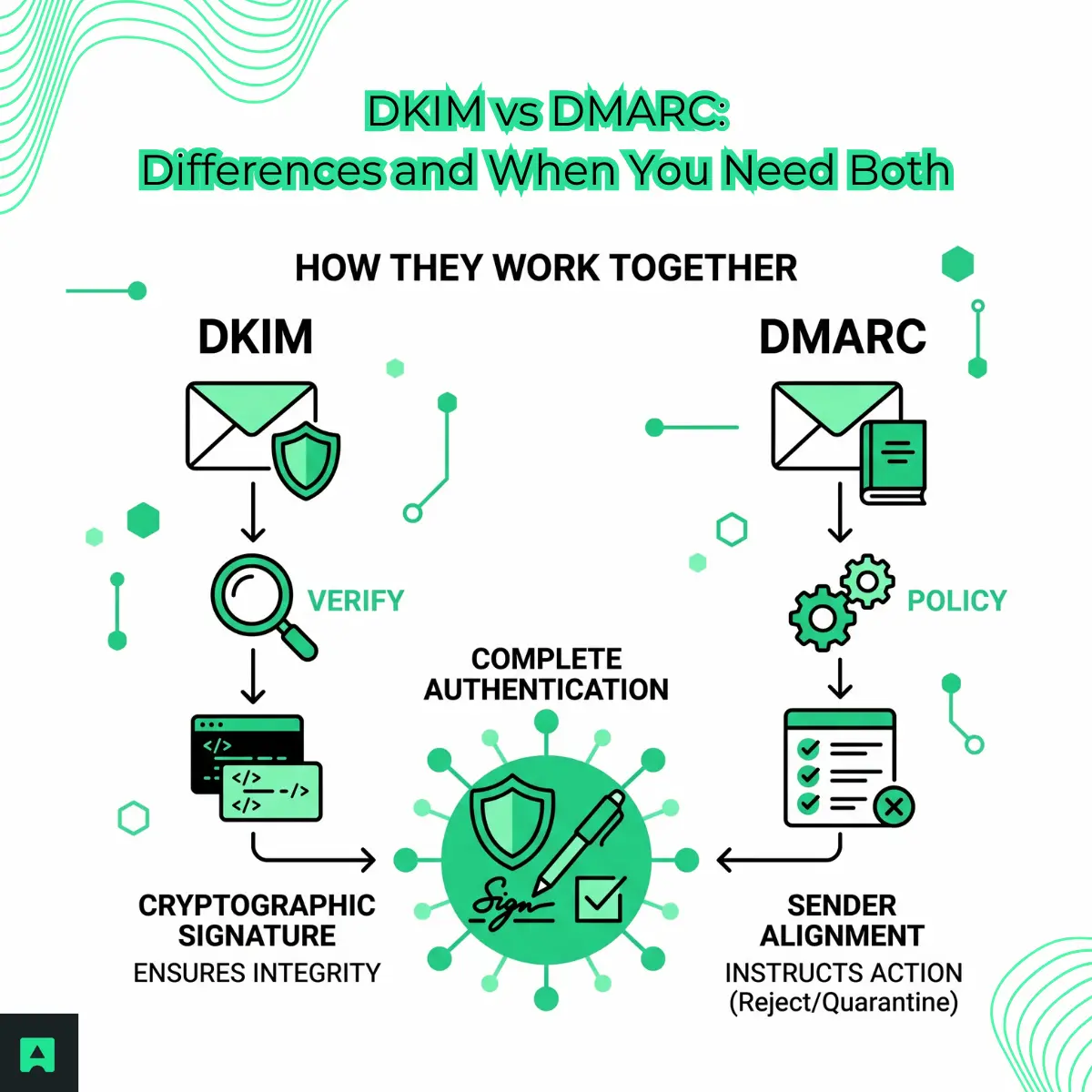
DKIM (DomainKeys Identified Mail) answers one question: did this message arrive unmodified from the domain that claims to have sent it?
When you send an email, your mail server signs it with a private key. That signature lands in the DKIM-Signature header. The receiving server then fetches your public key from DNS and checks whether the signature matches. If it does, the message is authentic and hasn't been tampered with in transit.
A DKIM-Signature header looks like this:
DKIM-Signature: v=1; a=rsa-sha256; c=relaxed/relaxed;
  d=example.com; s=selector1;
  h=from:to:subject:date:message-id;
  bh=47DEQpj8HBSa+/TImW+5JCeuQeRkm5NMpJWZG3hSuFU=;
  b=abc123...
The fields worth understanding:
d=is the signing domains=is the selector, which tells receivers which public key to look up in DNSh=lists the headers included in the signatureb=is the signature itself
Selectors and rotation. DKIM supports multiple active keys at the same time, which is how you rotate keys without downtime. Your public key lives in DNS at selector._domainkey.yourdomain.com. For example: selector1._domainkey.example.com. For a deeper look at how selectors and key rotation work in practice, see the DKIM record generators guide.
What can break it. DKIM signs specific headers and the message body. Any modification in transit breaks the signature — including a trailing whitespace added by a mailing list, or a forwarding service that rewrites headers. If DKIM fails unexpectedly, the first thing to check is whether an intermediary is modifying your messages. The full breakdown of how DKIM works covers the most common failure patterns in detail.
What DKIM doesn't do. It verifies message integrity and origin. It does not tell receiving servers what to do when verification fails. That's DMARC's job.
What DMARC does (and DKIM doesn't)
DMARC (Domain-based Message Authentication, Reporting, and Conformance) is a policy layer. It doesn't check authenticity itself. It reads the results of DKIM and SPF checks, then enforces a rule you've published in your DNS.
Your DMARC record looks like this:
v=DMARC1; p=quarantine; rua=mailto:dmarc@example.com; pct=100
The p= tag is your policy:
p=none— monitor only, no action takenp=quarantine— send failures to spamp=reject— block failures outright
Alignment is the part most teams miss. DKIM can pass and DMARC can still fail. For DMARC to pass, the signing domain in DKIM's d= tag must align with the domain in the From: header. If you send from you@example.com but your ESP signs with d=mailing-provider.com, DKIM passes but DMARC fails.
This is the most common reason for DMARC failures when you think everything is configured correctly. Your ESP needs to sign using your domain, not theirs. The What is a DMARC Record guide walks through alignment configuration and the full set of DMARC tags.
Reporting. The rua= tag tells receiving servers where to send aggregate reports. Those reports show every source sending email from your domain and whether those messages are passing authentication. DKIM has no equivalent. Without DMARC reports, you have no visibility into who might be spoofing your domain.
DKIM vs DMARC: side by side
DKIMDMARCWhat it doesSigns messages to prove integrity and originSets policy for what receivers do when authentication failsWhere it livesDKIM-Signature header in each email + public key in DNSTXT record at _dmarc.yourdomain.comWhat it provesThis message came from the claimed domain and wasn't modifiedWhether to trust, quarantine, or reject messages that fail SPF or DKIMHow it can failMessage modified in transit; wrong selector; key rotation gap; alignment mismatch with From: headerPolicy too strict before all sending sources are authenticated; alignment misconfigurationFeedback loopNoneAggregate reports (rua) show all sources sending from your domain
Set up both, in order
1. Set up DKIM first. You need a working signature before DMARC has anything to evaluate. Configure DKIM on every service that sends mail from your domain: your primary ESP, your transactional email provider, your support tool, calendar invites. Every source counts.
2. Add DMARC at p=none. This starts monitoring without touching deliverability. Aggregate reports will start arriving at the address you set in rua=.
3. Review the reports. Look for sending sources that are failing DKIM or SPF. Fix alignment issues. Add missing signatures. If SPF is part of the picture, the SPF violations guide covers the most common configuration failures and how to diagnose them.
4. Move to enforcement. Once reports confirm all legitimate sources are passing, move to p=quarantine, then p=reject.
Skipping p=none is the most common mistake. Going straight to p=reject before auditing your sending infrastructure will block legitimate mail — sometimes your own.
Authentication tells receivers your domain is who it says it is. It doesn't tell you whether the addresses you're sending to are real. That's a separate problem, and it's worth solving at the same time. Email Validation checks addresses before you send — catching invalid addresses, disposable emails, and typos before they affect your sender reputation. For a broader look at how authentication fits into deliverability overall, see What is Email Deliverability.
Related: What is a DMARC Record | How DKIM Works in Email Security | SPF, DKIM, and DMARC: The Complete Guide
