


Understanding the Basics of IP Address
An IP address works like a digital home address 🏠 for any device connected to the internet. It identifies a user's device, routes traffic, and helps websites understand where requests are coming from.
Just as a street address guides a delivery driver, an IP address guides packets across the network.
What is IP Geolocation and How Does it Work?
IP geolocation is the process of mapping an IP address to a physical location. But the data behind these systems is far more complex than static spreadsheets.
Here's where that information actually comes from:
🔹 Regional Internet Registries (RIRs)
Organizations like ARIN, RIPE, and APNIC allocate IP blocks to ISPs. Their datasets show who owns a range of IPs — but not exact user locations. These records are often broad (sometimes an entire country or ISP footprint).
🔹 ISP Allocation Data
Internet providers subdivide their allocated IP blocks and assign them to cities, regions, and infrastructure hubs. This makes the geolocation more precise, but still not perfect.
🔹 Commercial & Proprietary Data Layers
Modern geolocation platforms (including AbstractAPI) refine this raw data by adding:
- routing analysis
- traceroute patterns
- latency mapping
- anonymizer/VPN detection
- usage heuristics
- machine-learning corrections
This blended, multi-source approach unlocks city-level or even postal-code-level accuracy ⚡.
For more context, see AbstractAPI's broader guide on IP Geolocation.
The Two Models: Downloadable File vs. Real-Time API
This is the critical distinction that most developers overlook. Although both options are "IP geolocation databases," their purpose and design differ dramatically.
Model 1: The Static Database File (The Legacy Method)
A static IP geolocation database is a downloadable MMDB/CSV file that you store and read directly from your server.
✔️ Advantages
- ⚡ Extremely fast — perfect for local, high-volume batch lookups
- 📴 Works without an internet connection
- 🛡️ Useful for organizations with strict data-sovereignty or compliance constraints
❌ Drawbacks
- Instantly outdated — the moment you download it
- Requires constant updates, validation, and database reloads
- Offers basic location only, without security or ISP intelligence
- High maintenance cost disguised as "free"
This is why static databases are increasingly considered a legacy approach.
Model 2: The Real-Time API (The Modern Solution)
A real-time IP geolocation API — like the AbstractAPI IP Geolocation API — processes live requests over HTTPS.
✔️ Advantages
- 🔄 Always up-to-date — no files, no updates, no overhead
- 🧩 Rich, extended data:
- VPN/proxy/Tor detection
- organization & company details
- connection type
- carrier/ASN
- ⏱️ Zero maintenance
- ⚡ Perfect for web apps, security flows, personalization, and fraud detection
❌ Drawback
- Requires an active network connection (usually not an issue for modern apps).
👉 For 95% of modern use cases, the API model is vastly superior.
Benefits of Using an IP Geolocation Database
Whether it's a file or an API, an IP geolocation database unlocks powerful capabilities — but modern APIs offer far richer and more actionable insights.
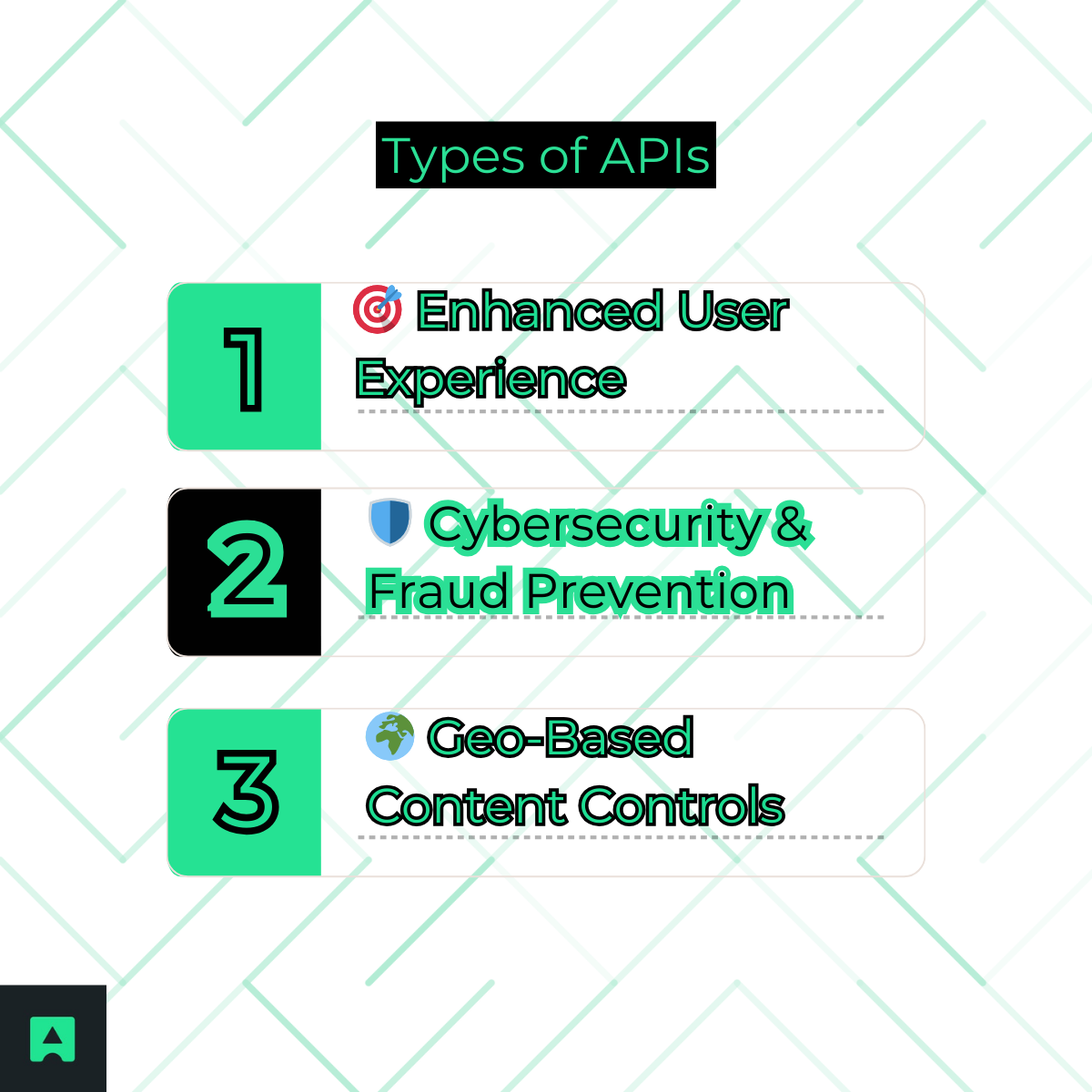
🎯 Enhanced User Experience
- Autofill location fields
- Suggest the correct language or currency
- Prioritize content globally
🛡️ Cybersecurity & Fraud Prevention
This is where APIs have a huge advantage.
A modern geolocation API doesn't just reveal where the user is — it reveals how they're connecting.
- Is the request coming through a VPN?
- Is it a known proxy server?
- Is it a Tor exit node?
These signals are essential for fraud detection, risk scoring, and identity verification.
🌍 Geo-Based Content Controls
Geographical licensing, local regulations, and access control all depend on reliable IP location data.
For expanded examples, see AbstractAPI's guide on IP Address Security.
How to Implement an IP Database (Using AbstractAPI)
As we've seen, a real-time API is the simplest, most accurate, and most powerful method for nearly every modern scenario. You can set everything up in under 5 minutes ⏱️.
Below is the original AbstractAPI quick-start (kept as-is and ready for copy/paste).
- Step 1: Get Your Free API Key
Create a free account at AbstractAPI and grab your API key from the dashboard.
- Step 2: Make the API Request
curl "https://ipgeolocation.abstractapi.com/v1/?api_key=YOUR_API_KEY&ip_address=8.8.8.8"
- Step 3: Handle the JSON Response
You'll receive a rich JSON payload like:
{
"ip_address": "8.8.8.8",
"city": "Mountain View",
"region": "California",
"country": "United States",
"latitude": 37.386,
"longitude": -122.0838,
"connection": {
"autonomous_system_number": 15169,
"isp_name": "Google LLC"
},
"security": {
"is_vpn": false,
"is_proxy": false,
"is_tor": false
}
}
This data goes far beyond location — including security intelligence, ASN info, ISP data, and more.
Limitations and Challenges of Geolocation Data
Even with modern systems, certain limitations persist:
- Mobile networks can shift locations frequently
- Corporate proxies may centralize traffic and distort accuracy
- VPNs and anonymizers intentionally obscure location
- Rural IP allocations may resolve only to regions, not cities
Transparency builds trust — and AbstractAPI is designed to mitigate these challenges wherever possible.
Conclusion
Downloadable IP geolocation files still have a place in purely offline, batch-processing environments. But for any modern web app, authentication flow, personalization engine, or fraud-detection workflow, the real-time API model is the clear winner.
It offers:
- accurate, fresh data
- zero maintenance
- enhanced security intelligence
- richer metadata and faster implementation 🧩
If you want a modern, reliable, and developer-friendly solution, the AbstractAPI IP Geolocation API is the simplest way to get started.
FAQs
Frequently Asked Questions
What is an IP geolocation database?
An IP geolocation database maps IP address ranges to real-world locations such as city, region, country, latitude, and longitude. The data is compiled from Regional Internet Registries (RIRs) like ARIN and RIPE, ISP allocation records, and commercial data layers. Modern databases also include ISP name, ASN, and security signals like VPN or proxy detection.
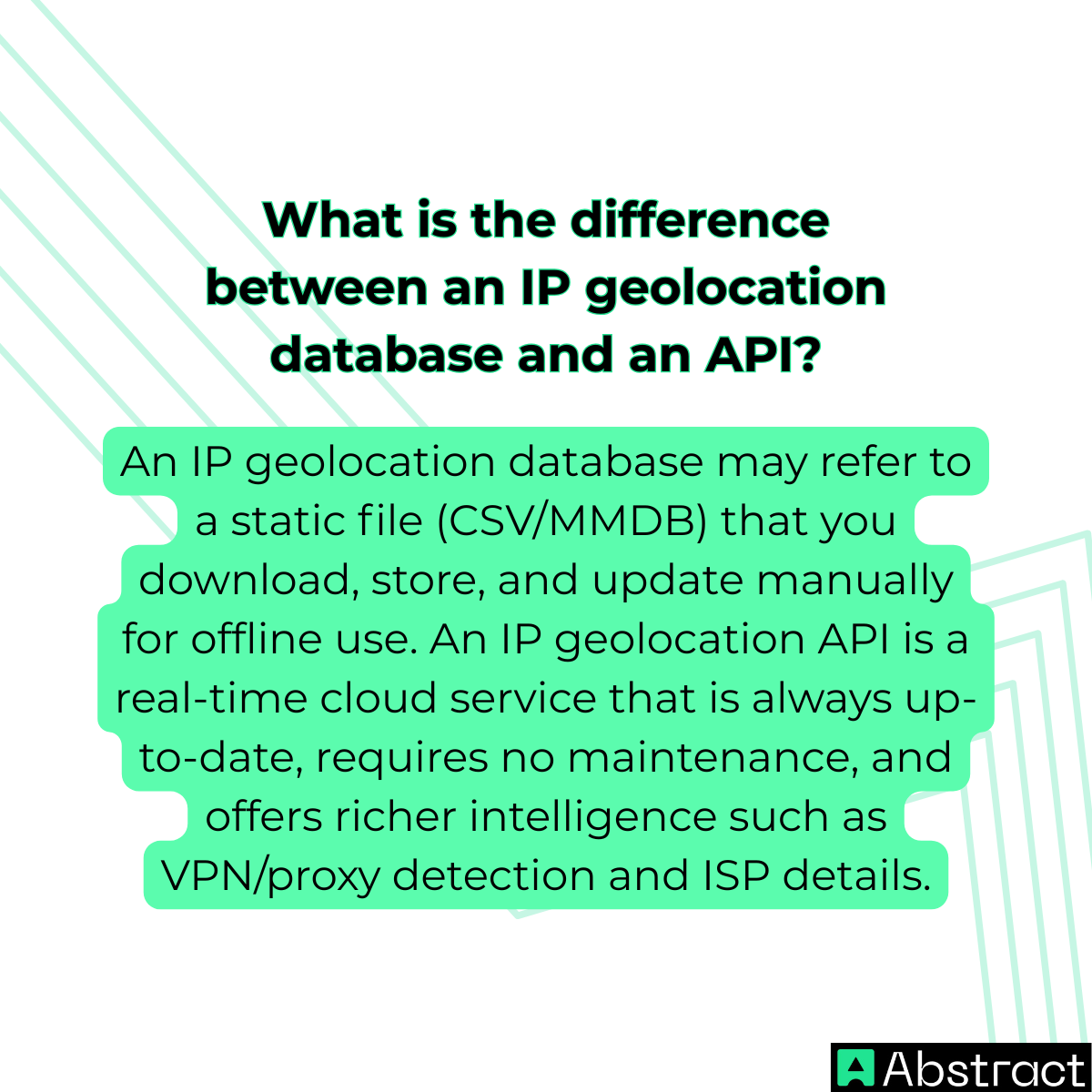
What is the difference between a downloadable IP geolocation database and a real-time API?
A downloadable database (typically MMDB or CSV format) is a static file you host locally, which makes lookups extremely fast but requires you to update the file regularly as IP allocations change. A real-time API performs the lookup on a remote server, so data is always current and includes enriched signals like VPN and proxy detection, at the cost of a network round-trip per request.
How accurate are IP geolocation databases?
Country-level accuracy is typically around 90%, but city-level accuracy is significantly lower and varies by provider. Accuracy degrades further for mobile networks (which shift locations frequently), corporate proxies (which centralize traffic from many users), and VPNs (which intentionally obscure the true location). Rural IP blocks may only resolve to a region rather than a specific city.
When should I use a local database file instead of an API?
Use a local MMDB or CSV file when your application cannot tolerate network latency, operates in an offline or air-gapped environment, or needs to process very high request volumes where per-call API pricing would be prohibitive. Be aware that static files go stale quickly: IP allocations change constantly, so you must commit to a regular update cadence to maintain accuracy.
What data does an IP geolocation database typically return?
At minimum, most databases return country, region, city, latitude, and longitude. More comprehensive solutions add postal code, timezone, ISP name, ASN, and connection type. API-based services often layer on security intelligence such as VPN, proxy, and Tor exit-node detection, which static file databases rarely include.
How do I query an IP geolocation API from the command line?
With Abstract's IP Geolocation API you send a simple HTTPS GET request using curl: curl "https://ipgeolocation.abstractapi.com/v1/?api_key=YOUR_KEY&ip_address=TARGET_IP". The response is JSON containing location coordinates, ISP data, and security signals. You need to create a free account to get an API key before making requests.
