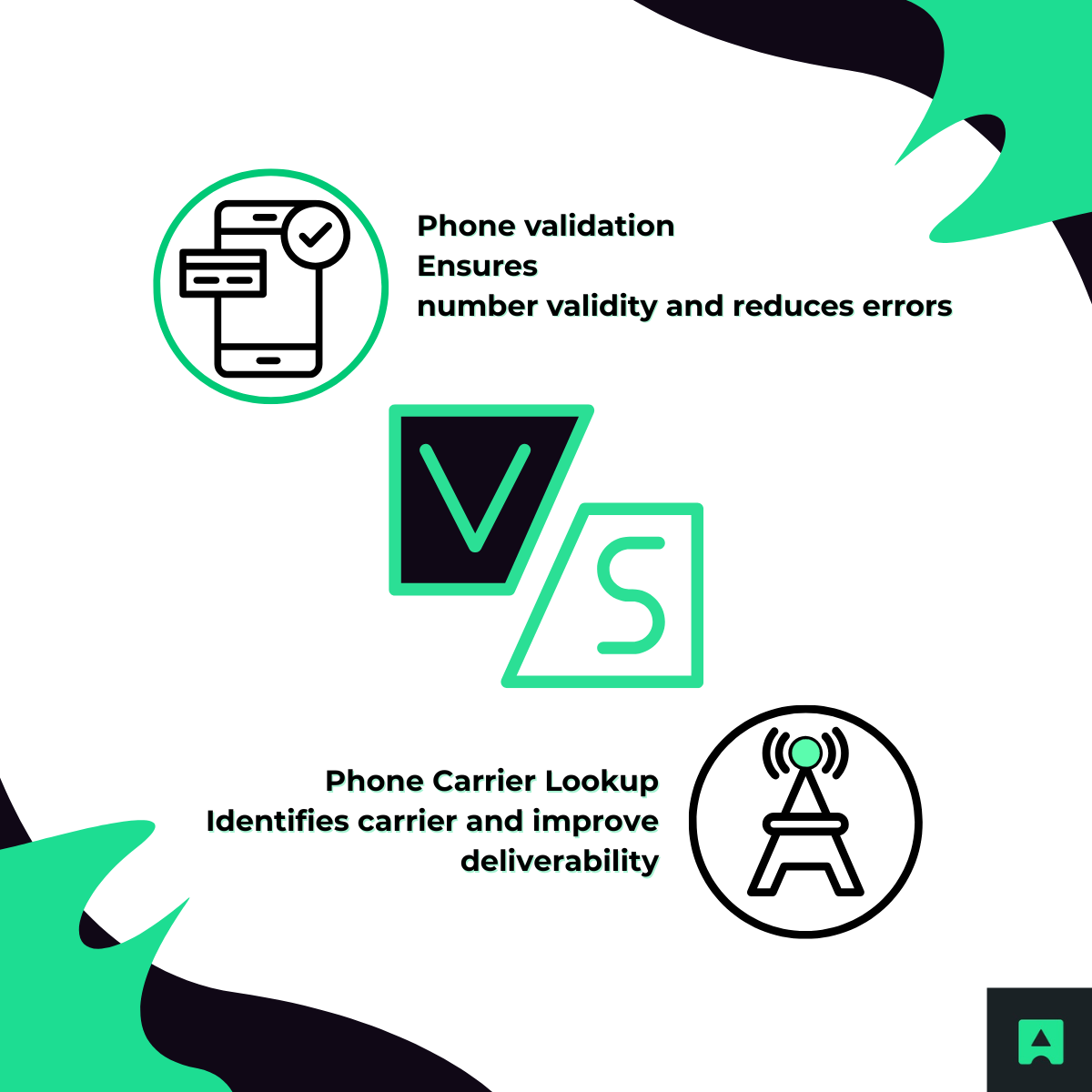
Check any phone number’s carrier instantly — plus get deep intelligence like line type, location, validity, and fraud-risk indicators with AbstractAPI.
A phone carrier lookup identifies which telecommunications provider services a specific phone number. It’s the quickest way to determine whether a number belongs to Verizon, AT&T, Vodafone, Claro, or thousands of other global carriers.
But modern verification requires far more than the carrier name.
Businesses now rely on enhanced data points such as:
This is where advanced services like the Phone Validation API become essential. They power secure user onboarding, reduce fraudulent signups, optimize telecom spend, and enrich customer databases at scale. If you're new to telecom data, it may also help to review the fundamentals of phone number validation or line type detection.
Whether you're a casual user or a developer, here are the four most reliable ways to identify a number’s carrier.

The tool at the top of this page is the quickest, easiest way to get the information. It pulls data from international telecom sources in real time and returns carrier name, line type, location, and validity — something manual phone settings cannot do.
If you’re evaluating phone data quality for an app or sign-up flow, you might also want to explore the Phone Number Validation API Documentation.
To check the carrier of your own iPhone number:
This method is simple, but limited — it does not reveal line type, validity, or whether the number is VoIP.
For more advanced checks, refer to our guide on how to validate a phone number in JavaScript.
On Android devices:
Again, this shows only the carrier name. If your workflow requires identifying VoIP numbers, try the VoIP Number Lookup Guide.
If you need to validate carriers at scale, integrate checks into onboarding flows, or enrich customer records, an API is the best option.
Developers frequently use it alongside:
Together, these services provide a robust identity and fraud-prevention stack.
A high-quality lookup returns a rich data payload designed for security, verification, and operational use.
VoIP numbers — often used in fake accounts — can be detected instantly.
Carrier and line-type data is deeply valuable across security, marketing, onboarding, and operations teams.

Many fraudulent signups rely on VoIP or disposable numbers.
Carrier lookup enables systems to quickly flag:
Businesses stop wasting SMS credits by ensuring messages go only to mobile numbers. They also improve routing for outbound calling and remove invalid numbers before sending campaigns.
See also: A Guide to the Best SMS APIs.
Carrier lookup helps standardize and enrich CRM databases, ensuring your records remain compliant, clean, and ready for automations.
Phone metadata helps teams avoid calling leads at odd hours, create region-specific campaigns, and tailor offers based on carrier behavior.
Learn more about optimization in:
➡️ Customer Data Enrichment Guides
This is everything developers need to get started quickly.
fetch("https://phonevalidation.abstractapi.com/v1/?api_key=YOUR_API_KEY&phone=+14152007986")
.then(res => res.json())
.then(console.log);
import requests
response = requests.get(
"https://phonevalidation.abstractapi.com/v1/",
params={"api_key": "YOUR_API_KEY", "phone": "+14152007986"}
)
print(response.json())
<?php$curl = curl_init("https://phonevalidation.abstractapi.com/v1/?api_key=YOUR_API_KEY&phone=+14152007986");curl_setopt($curl, CURLOPT_RETURNTRANSFER, true);$response = curl_exec($curl);curl_close($curl);echo $response;Shell (cURL)
curl "https://phonevalidation.abstractapi.com/v1/?api_key=YOUR_API_KEY&phone=+14152007986"🧾 Sample JSON Response
{ "phone": "+14152007986", "valid": true, "format": { "national": "(415) 200-7986", "local": "4152007986" }, "country": { "code": "US", "name": "United States" }, "location": "San Francisco", "carrier": "T-Mobile USA, Inc.", "line_type": "mobile"}
The free tool is ideal for quick, manual checks.
The API is built for production applications.
With the API, you get:
Developers can explore the full capabilities in the Phone Validation API Documentation.

Try adjusting your search to find what you’re looking for.