


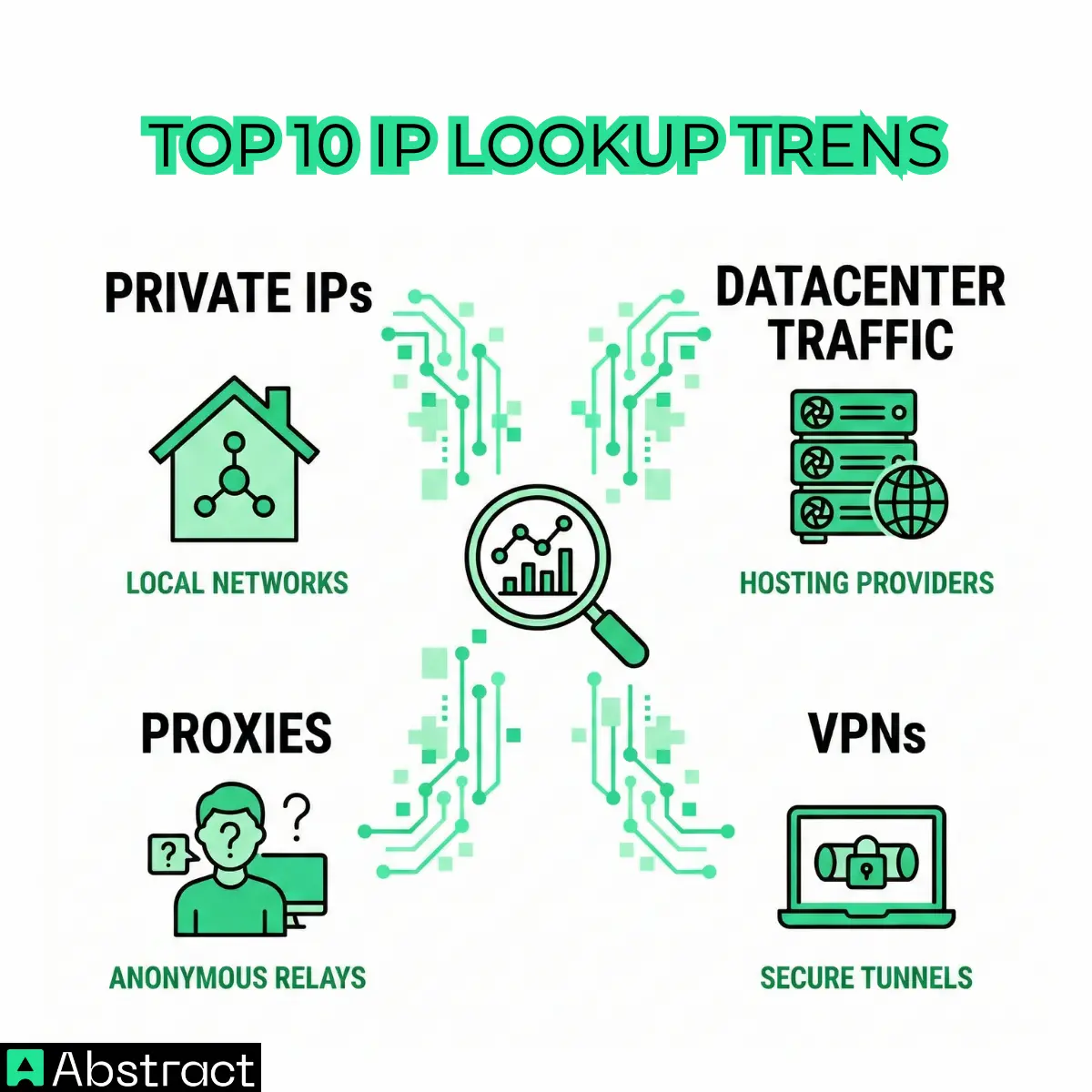
The top 10 most searched IPs
Here's the full list before we dig into the analysis:
| # | IP address | Organization | Location | Signals | Risk |
|---|---|---|---|---|---|
| 1 | 185.63.253.200 |
Hostpalace Datacenters Ltd | Lelystad, Netherlands | High | |
| 2 | 134.209.250.149 |
DIGITALOCEAN-ASN | Frankfurt, Germany | High | |
| 3 | 64.227.120.231 |
DIGITALOCEAN-ASN | Frankfurt, Germany | High | |
| 4 | 167.71.43.43 |
DIGITALOCEAN-ASN | Frankfurt, Germany | High | |
| 5 | 192.168.0.102 |
Private (RFC 1918) | — | Non-routable | |
| 6 | 111.90.150.204 |
Shinjiru Technology Sdn Bhd | Klang, Malaysia | High | |
| 7 | 45.76.33.4 |
AS-VULTR (Constant) | Haarlem, Netherlands | Medium | |
| 8 | 192.168.7.1 |
Private (RFC 1918) | — | Non-routable | |
| 9 | 5.5.5.5 |
Telefonica Germany | Seoul, South Korea | Medium | |
| 10 | 164.68.127.15 |
Contabo GmbH | Nürnberg, Germany | High |
185.63.253.200134.209.250.14964.227.120.231167.71.43.43192.168.0.102111.90.150.20445.76.33.4192.168.7.15.5.5.5164.68.127.15
These aren't arbitrary. They cluster into three distinct categories — and each cluster tells a different story about why people are doing IP lookups in the first place.
Category 1: hosting infrastructure and VPN-flagged cloud IPs
The largest group in this list belongs to addresses associated with well-known hosting providers: DigitalOcean, Vultr, Contabo, and Hostpalace.
134.209.250.149, 64.227.120.231, and 167.71.43.43 all resolve to DIGITALOCEAN-ASN, located in Frankfurt, Germany. All three are flagged as associated with a VPN service and carry a high risk level — despite none of them having any reported history of malicious activity. 45.76.33.4 resolves to AS-VULTR (under Constant) in Haarlem, Netherlands, and is flagged for both VPN and proxy usage, with confirmed cloud/datacenter infrastructure. Its risk level is medium — lower than the others, partly because of its clean activity record. 164.68.127.15 belongs to Contabo GmbH in Nürnberg, Germany, and carries both VPN and proxy flags at high risk.
Why are people searching these?
When a request hits your API or web app from one of these ranges, the immediate question is: is this a real user or an automated process? Traffic originating from hosting providers rather than residential or corporate ISPs is a reliable signal that something programmatic is going on — a bot, a scraper, a testing script, or a deployed service running in the cloud.
That doesn't automatically mean malicious activity. Plenty of legitimate API consumers run on cloud infrastructure. But it changes how you might want to treat the request, especially if you're building rate limiting logic, abuse prevention systems, or fraud detection flows.
Knowing that an IP belongs to a hosting ASN lets you apply different trust logic — stricter verification, additional logging, or a challenge mechanism — without making assumptions about intent.
Category 2: proxy servers and anonymized traffic
Two IPs in this list are flagged specifically for proxy usage without a full VPN layer: 185.63.253.200 and 111.90.150.204.
185.63.253.200 is registered to Hostpalace Datacenters Ltd in Lelystad, Netherlands. It's flagged as using a proxy server, carries a high risk level, and — importantly — has no reported history of malicious activity. 111.90.150.204 belongs to Shinjiru Technology Sdn Bhd, a commercial hosting provider in Klang, Malaysia. Same pattern: proxy server flagged, high risk, no confirmed abuse on record.
These two are worth distinguishing from the VPN-heavy DigitalOcean addresses above. A proxy server and a VPN serve similar anonymization functions, but they operate differently. A proxy routes specific traffic through an intermediary; a VPN tunnels all traffic through an encrypted connection. Both obscure origin — but the signals they leave in an IP lookup are different, and the context matters. Abstract's proxy checker and VPN detector surface these as distinct flags precisely because the downstream decisions you make may differ.
What this tells us about real use cases
Security and fraud teams use IP lookup specifically to answer questions about anonymization. When a user accesses your application from an IP associated with a known proxy provider, that's context — context that might feed into a risk score, trigger an additional verification step, or simply get flagged for review.
A proxy or VPN detection flag doesn't mean you should automatically block the request. Plenty of legitimate users operate behind proxies or VPNs for privacy or corporate security reasons. What it means is that you have less certainty about the actual origin of the traffic — and your application logic should account for that uncertainty. For a deeper breakdown of how to build that logic, see Abstract's guide to VPN detection.
Category 3: private IPs, mobile carriers, and the ambiguous cases
The remaining three entries are the most structurally interesting — because they don't fit neatly into the hosting/anonymization narrative.
192.168.0.102 and 192.168.7.1 are RFC 1918 addresses — the private IP ranges that are never routed on the public internet. They exist only within local networks. Run a lookup on either through a public IP intelligence API and you'll get no geolocation data, no ISP, no ASN — because there's nothing to find publicly. 192.168.7.1 in particular looks like a local network gateway address, the kind of default IP you'd see on a router or internal firewall.
5.5.5.5 is a different kind of edge case. It's a fully routable public IP, currently resolving to Telefonica Germany and geolocating to Seoul, South Korea. It carries a medium risk level, is flagged as a mobile carrier network, and has no reports of malicious activity. It doesn't use a VPN, proxy, or Tor. The reason it ends up in search logs is almost certainly that it's a visually memorable, easy-to-type address — the kind that gets hardcoded into documentation, test configurations, and firewall rules, then shows up unexpectedly in logs later.
The troubleshooting use case
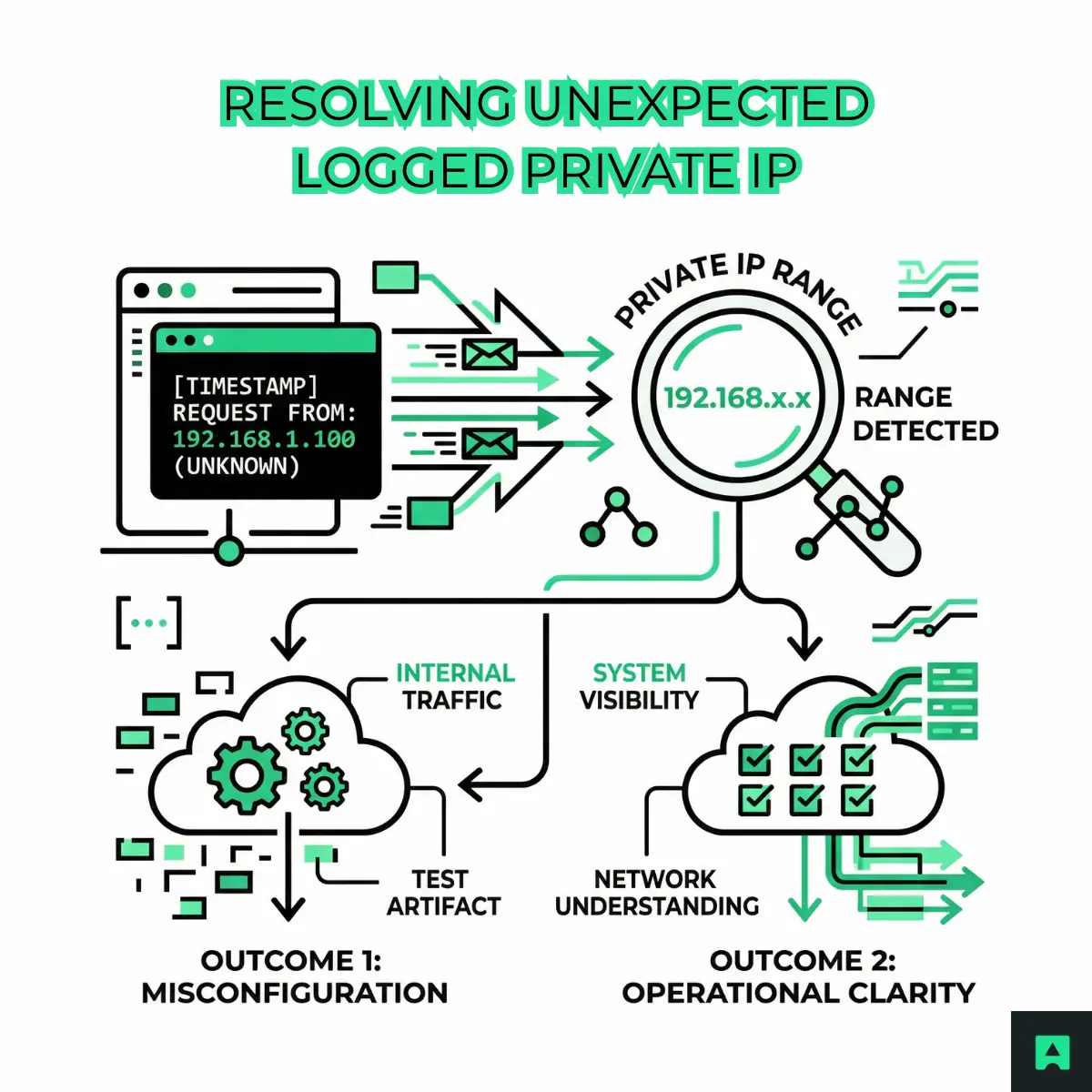
Why would anyone look up a private IP in an external tool? Because something appeared in a log that they didn't expect — and they're trying to figure out what it means.
This is a genuinely common scenario: a developer sees an unexpected IP in an application log, firewall event, or network trace, can't immediately place it, and turns to a lookup tool for context. When the tool returns no public data for a 192.168.x.x address, that is the answer: this is internal traffic, a misconfigured request, or a test artifact that made its way somewhere it shouldn't be.
Recognizing a private IP range for what it is can be just as operationally useful as a full geolocation response.
What these searches tell us about IP lookup in practice
Pull back from the individual IPs and the picture becomes clear: people aren't using IP lookup to confirm what city a user is in. They're using it to answer higher-order questions.
Is this traffic from a real user or an automated system? Hosting ASN data answers this. If the IP resolves to DigitalOcean, Vultr, or Contabo, you're almost certainly dealing with a programmatic actor of some kind.
Is this person trying to obscure where they're coming from? Proxy and VPN flags answer this. You still don't know intent — but you know the origin is masked, which affects how much trust you extend to that session.
Why is this IP showing up in my logs at all? Private IP and RFC 1918 detection answers this. Sometimes the most valuable output from a lookup is simply "this is internal traffic — it shouldn't be reaching an external service."
Should I treat this request differently? Context answers this. The combination of geolocation, ASN type, risk level, and anonymization signals gives your application the intelligence to make a smarter decision than any binary allow/block rule could.
From manual lookup to programmatic intelligence
Running one-off lookups is useful for investigation and debugging. But the real value comes when you integrate IP intelligence directly into your application logic — at login, at signup, at checkout, or on any endpoint where understanding the origin of a request changes what you do next.
The same signals available in manual lookups — geolocation, ASN data, VPN and proxy detection, risk level, mobile carrier flags — are available programmatically through Abstract's IP Geolocation API and IP Intelligence API. A single API call returns everything you need to enrich a login event, flag a high-risk signup, or route traffic through a different verification flow.
For teams building fraud detection, abuse prevention, or traffic analysis features, that means the investigation workflow you'd run manually can be automated at the point of request — before a suspicious session ever reaches your application logic. The IP geolocation guides cover the most common implementation patterns.
Conclusion: IP lookup is about context, not just location
The most-searched IPs in Abstract's lookup tool confirm something security and product teams have known for a while: geolocation is just the starting point. What people actually need is context — the kind that tells them whether traffic is coming from a legitimate user, an automated system, a masked origin, or an internal artifact that made its way somewhere it shouldn't.
Hosting ASNs, proxy flags, VPN detection, private IP recognition, mobile carrier signals — these are what make IP intelligence actionable. The next time an unexpected IP appears in your logs, the right question isn't "where is this from?" It's "what does this tell me about the traffic, and what should I do about it?"
Look up any IP with Abstract's free IP Lookup tool — or get your free API key to start integrating IP intelligence into your own application.
Frequently Asked Questions
Why are cloud hosting IPs like DigitalOcean and Vultr so frequently looked up?
Cloud hosting providers like DigitalOcean, Vultr, and Contabo are common sources of automated traffic, bots, and scraping activity. Developers look them up to distinguish machine-generated requests from real users, and to decide whether to apply stricter verification or rate limiting to traffic coming from those ASN ranges.
What does a "high risk" rating mean in an IP geolocation lookup result?
A high risk rating signals that the IP shows characteristics associated with proxy or VPN usage, hosting infrastructure, or anonymized traffic, not that it has a confirmed history of abuse. Seven of the ten most-searched IPs carry high or medium risk flags but no verified malicious activity, so treat risk level as a reason to apply additional scrutiny, not as a hard block.
Why does looking up a private IP address like 192.168.0.102 return no geolocation data?
Private IP ranges defined by RFC 1918 (such as 192.168.x.x and 10.x.x.x) are not routable on the public internet, so they have no associated geolocation, ASN, or organization data. If a private IP appears in your server logs, it usually indicates internal network traffic or a misconfigured proxy passing the wrong header; the absence of data is itself a useful diagnostic signal.
How should I use IP geolocation data at a login or signup endpoint in my API?
At authentication or registration time, use the IP's geolocation, ASN, and VPN/proxy flags together to build a trust signal rather than relying on any single field. For example, a new signup from a high-risk cloud IP in an unexpected country could trigger a step-up verification flow or additional logging, without outright blocking the request. Abstract's IP Geolocation API and IP Intelligence API return all of these fields in a single response.
What is ASN data and why does it matter for IP lookups?
An Autonomous System Number (ASN) identifies the network or organization that owns a block of IP addresses. Knowing the ASN tells you whether an IP belongs to a residential ISP, a mobile carrier, a cloud provider, or a known hosting company, context that raw geolocation coordinates alone cannot provide. This is especially useful for distinguishing real users from datacenter traffic at scale.
Why is the IP 5.5.5.5 one of the most looked-up addresses even though it isn't a well-known public DNS resolver?
5.5.5.5 is a memorable, sequential IP that developers frequently drop into test configurations, documentation examples, and placeholder network settings. It resolves to Telefonica Germany and carries a medium risk rating, but it appears in lookup logs primarily because it is easy to type and remember during development and debugging, not because it is inherently suspicious.
